
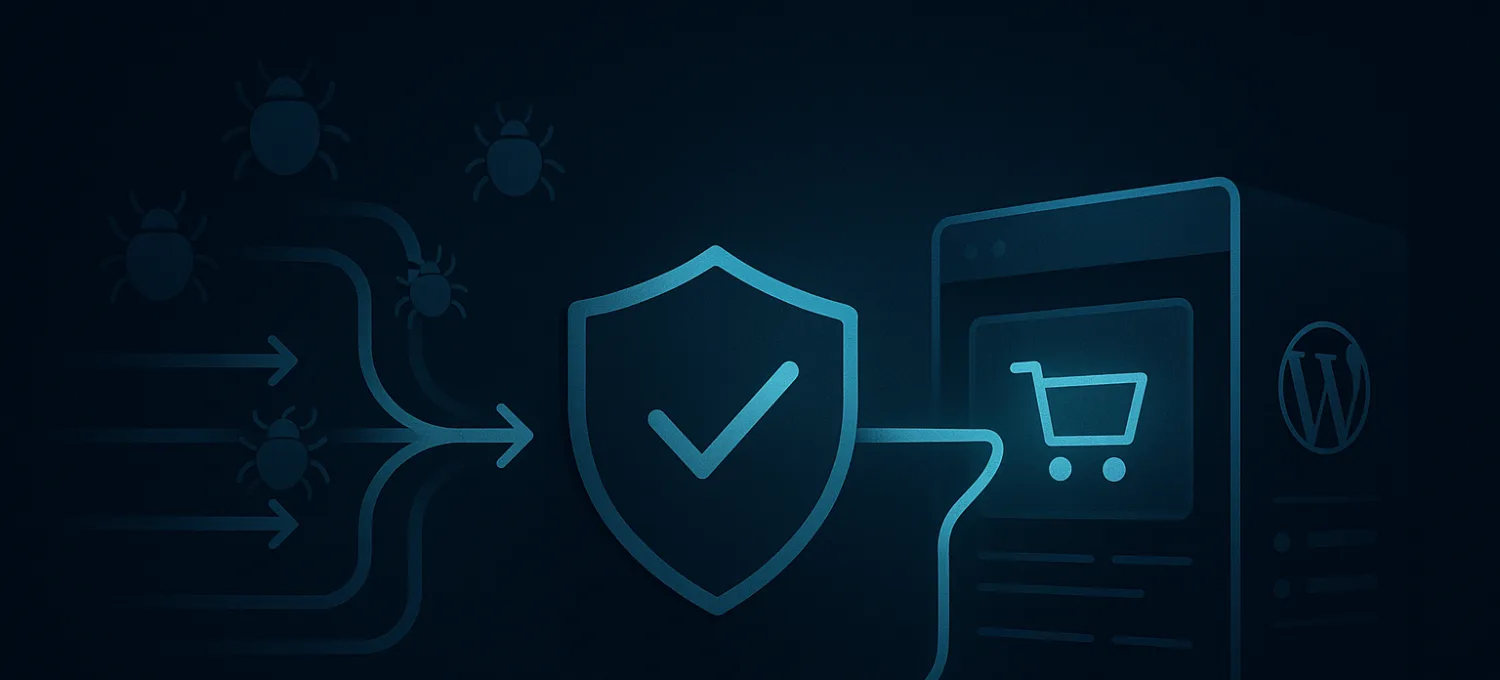
A 502 error usually shows up where the site matters most.
The homepage may still open for some visitors. A cached category page might even look fine. Then /cart, /checkout, login, account pages, or wp-admin start returning 502 Bad Gateway and the first half hour disappears into arguments about whether the host, plugin, CDN, or payment gateway is “the problem.”
A 502 is rarely random. On WordPress and WooCommerce, it usually means the request chain is already under strain and one handoff in that chain stopped returning something the upstream proxy could use.
That is why 502 incidents are worth treating as evidence, not as cosmetic errors.
What HTTP Status 502 Actually Means
A 502 Bad Gateway means one server in the middle, usually a reverse proxy, load balancer, or CDN, asked an upstream server for a response and got back something unusable.
That matters because browsers often are not talking directly to WordPress. There is usually a chain in front of it:
- browser sends request
- edge proxy or CDN receives it
- request is forwarded to origin
- web server hands it to PHP / WordPress
- application generates a response
- origin sends that response back upstream
- proxy accepts it or rejects it and returns 502
The practical implication is simple:
A 502 is not a root cause. It is a failed handoff somewhere between edge and application.
That is also why it is different from a 503 or 504.
- 503 usually means the service knows it is unavailable.
- 504 usually means the upstream took too long.
- 502 usually means the upstream responded in a way the proxy could not accept or trust.
If you treat all three the same, you waste time changing the wrong layer.
Why 502 Errors Happen on WordPress and WooCommerce
On WordPress, 502s usually show up after the origin has already been under stress.
By the time the browser sees the error page, the real problem may already be one of these:
- PHP-FPM workers tied up too long
- expensive plugin code or slow queries
- dynamic WooCommerce routes under pressure
- malformed upstream output
- connection issues between proxy and origin
- bad traffic hammering uncached paths
WooCommerce makes this worse because the pages that matter most are also the least cacheable:
- cart
- checkout
- account pages
- shipping and tax calculations
- payment-adjacent flows
- stock-sensitive product actions
That is why a store can look “mostly fine” while the money pages are already failing.
Common 502 triggers
| Trigger | Layer | What it usually looks like |
|---|---|---|
| Bot scraping or abusive traffic | Edge, origin, app | Bursts of uncached hits against search, login, cart, checkout, or XML-RPC |
| PHP-FPM worker exhaustion | App runtime | Long queues, stuck workers, upstream closures, rising gateway failures |
| Plugin or theme conflict | WordPress app | Errors begin after a release or affect specific routes only |
| Slow external dependency | App and integrations | Checkout, account, tax, shipping, or payment flows hang or fail intermittently |
| Malformed upstream response | Proxy and app handoff | Proxy logs show invalid headers or upstream closed early |
| TLS / certificate mismatch | Edge-to-origin path | Proxy can connect to origin only unreliably or not at all |
| Misconfigured backend target | Network and proxy | Only some requests or one node fail |
A few habits make this worse fast:
- adding more plugins to “fix” the incident
- blocking single IPs by hand while the traffic rotates
- scaling origin capacity without reducing junk traffic first
- trusting homepage uptime while dynamic paths are failing
- assuming every 502 is an origin-only problem
How to Diagnose a 502 Properly
Good diagnosis removes suspects instead of creating new ones.
Start with the failing path
Do not begin with the homepage unless the homepage is the path that fails.
Look at the exact route that breaks:
- product page
- search
- cart
- checkout
- login
wp-adminadmin-ajax.php- plugin-specific endpoint
Cached pages can stay green while the expensive path is already drowning.
Read the layers in order
Read from the outside in:
-
Proxy / web server logs Look for upstream timeout, premature close, invalid header, or handshake messages.
-
PHP-FPM status and logs Check worker exhaustion, long requests, memory pressure, and process churn.
-
Application logs Look for fatal errors, plugin conflicts, autoloader issues, or route-specific failures.
-
Recent changes Payment gateway update, WooCommerce extension release, theme deploy, object-cache change, or rushed config edit.
-
Traffic pattern before the error Check whether login abuse, scraping, fake cart activity, or search spikes lined up with the start of the incident.
If the proxy cannot get a clean response, a pretty stack trace elsewhere may be incidental, not causal.
Isolate without thrashing production
A 502 often tempts people into changing everything at once. That just destroys evidence.
Better sequence:
- disable only the most suspicious plugin category first
- roll back the most recent meaningful change
- test origin directly if you need to separate edge from app behavior
- challenge or rate-limit the expensive path if bad traffic is involved
- use replay or captured requests only when the failure depends on concurrency or session mix
The goal is to change one variable at a time.
When the Edge Layer Is the Real Problem
Not every 502 starts inside WordPress.
Sometimes the origin is fine enough, but the proxy-to-origin connection fails because of:
- expired or mismatched certificates
- incomplete certificate chain
- wrong host header expectation
- broken backend mapping
- unhealthy pool member behind a load balancer
These failures are easy to misread because the browser still only sees 502 Bad Gateway.
The certificate mismatch pattern
One of the most common edge-side causes is TLS failure between the edge and origin.
That can happen when:
- the certificate is expired
- the certificate does not match the hostname the edge uses
- the chain is incomplete
- the origin answers for
wwwbut the edge expects apex, or the reverse
When that happens, the proxy may reject the upstream response before WordPress ever gets a chance to do anything useful.
What actually helps here
If you suspect the edge path, validate these before touching WordPress code:
- exact hostname the edge uses upstream
- certificate validity for that hostname
- chain completeness
- backend target consistency
- whether the issue is isolated to one upstream node
This is also why DNS and edge routing discipline matter. A site with inconsistent upstream naming or mixed backends will produce uglier incidents than one with a cleaner edge-to-origin contract.
The Real Fix: Prevent the Origin From Doing Junk Work
The recurring lesson in 502 incidents is that WordPress is often being forced to do too much work for the wrong requests.
That is why adding more CPU or more plugins is often a weak fix. If bad traffic still reaches PHP, you are just giving junk traffic a larger budget.
What helps more:
- reduce junk requests before PHP sees them
- protect dynamic routes deliberately
- keep deployments boring and reversible
- watch origin health as a first-class signal
- separate cacheable traffic from expensive application paths
Why edge-first prevention matters
For busy WordPress and WooCommerce sites, the cleanest 502 fix is usually the one users never see because the origin never had to process the traffic that would have broken it.
That means:
- filter scraping and login abuse earlier
- challenge suspicious checkout and account behavior before it wakes the app
- keep static delivery and dynamic protection distinct
- give operators visibility into which paths are causing the pressure
A 502 is often less about one broken server and more about an origin that stayed exposed for too long.
A Better Operational Model for 502s
A practical 502 response model looks like this:
- identify the failing path first
- read proxy logs before guessing
- check runtime capacity before changing WordPress blindly
- review recent changes with discipline
- inspect traffic quality, not just total traffic
- protect expensive routes before you scale origin
That is how 502s become shorter, rarer, and less chaotic.
If you want a cleaner way to reduce the bad traffic that pushes WordPress and WooCommerce toward 502 failures, FirePhage is built for exactly that. It filters hostile traffic at the edge, reduces origin load with managed WAF and CDN delivery, and gives operators clearer visibility when login abuse, scraping, fake orders, or checkout disruption start pushing a site toward failure.