
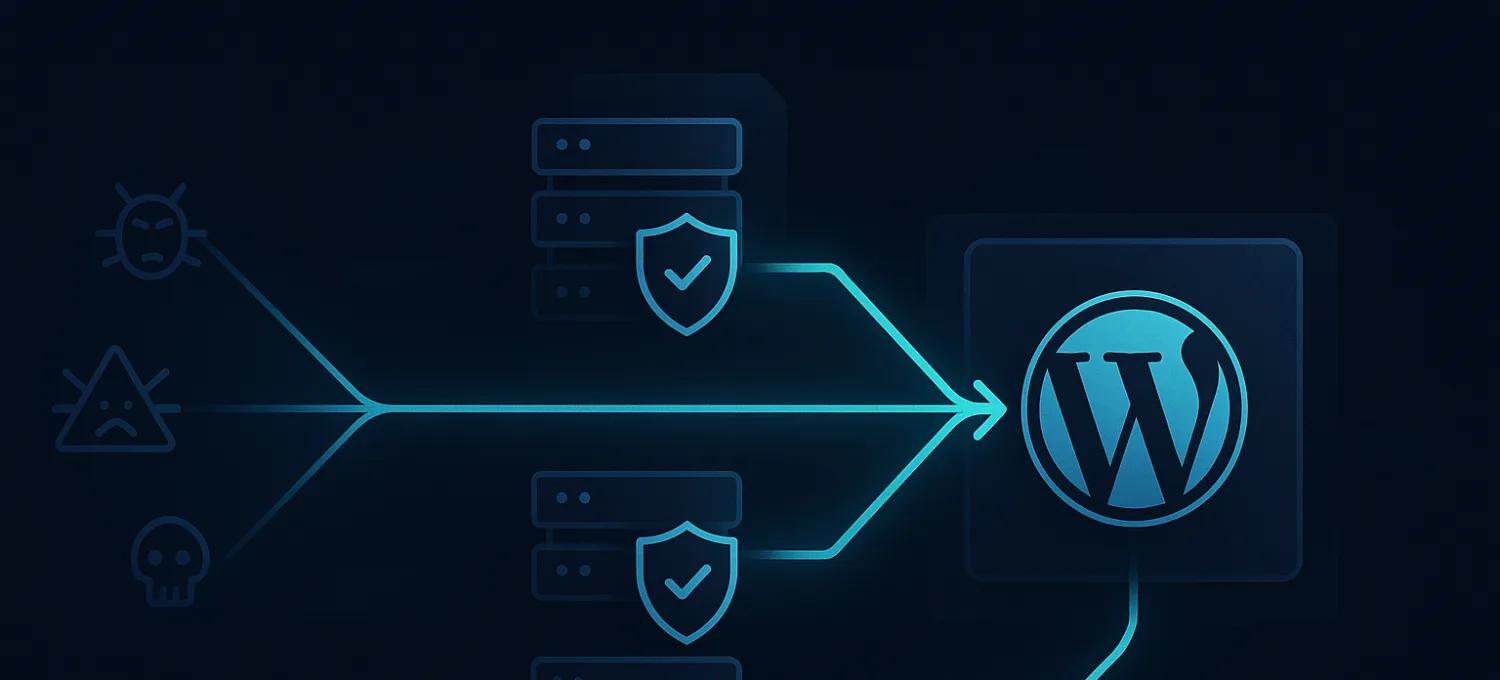
A fast WordPress theme helps, but it does not solve the whole performance problem.
That is the mistake many site owners make. They pick a lightweight theme, add caching, compress images, clean up plugins, and still watch the site drag during traffic spikes, login abuse, scraping, or WooCommerce checkout pressure.
The theme often gets blamed first. Sometimes it deserves that. Often the real problem is broader: the theme is part of the request path, but the site is also spending too much effort on the wrong work.
A fast theme matters because it lowers the baseline cost of every request. It does not decide whether the request should have reached WordPress at all.
What “Fast” Actually Means for a WordPress Theme
A fast theme is not just a good Lighthouse score or a nice homepage demo.
In practical terms, a fast theme does three things well:
- keeps server-side rendering overhead low
- keeps frontend assets lean enough that the browser can get interactive quickly
- avoids unnecessary complexity that becomes expensive on dynamic routes
That matters because themes are not just visual wrappers. They influence:
- how much PHP runs before the first byte leaves the server
- how many scripts and styles the browser has to download and execute
- how much work dynamic pages do under load
- how much room you still have when bots, scrapers, or bad traffic start hitting the origin
A fast theme lowers the cost per request. It does not guarantee that the request was worth serving.
Where Theme Speed Really Shows Up
People often test one brochure-style page and decide the theme is fast.
That is a weak audit.
Real pressure shows up on the templates that matter to operations and revenue:
- product pages
- category or archive pages
- search and filtered views
- cart and checkout
- account and login pages
wp-adminscreens if the theme or builder adds heavy admin behavior
A theme can look lean on the homepage and still create too much work on these routes.
Server-side cost matters too
Before the browser paints anything, WordPress has already:
- routed the request
- loaded templates
- fired hooks
- resolved conditions
- assembled the response
A better theme keeps that path shorter. A heavier one adds more template logic, asset decisions, feature toggles, and compatibility layers that increase CPU and memory use per request.
This matters most on pages you cannot hide behind full-page cache.
Frontend cost still matters
The browser side matters too. A fast theme usually keeps these under control:
- request count
- CSS payload
- JavaScript payload
- unused code
- DOM complexity
A CDN can deliver big files faster. It cannot make a bloated frontend small.
How to Measure Theme Performance Properly
Do not measure theme speed like a marketer. Measure it like an operator.
Test the right pages
Use pages that reflect real production behavior:
- homepage
- category page
- product page
- search or filter page
- cart
- checkout
- account page
Testing only the homepage tells you too little on WordPress, and almost nothing useful on WooCommerce.
Check the request pattern
Open Chrome DevTools or GTmetrix and look at:
- largest assets
- slowest assets
- duplicate libraries
- render-blocking CSS or JavaScript
- differences between templates
- whether the cost comes from the theme, a builder, or plugins
A practical theme audit asks:
- what loads everywhere even when it should not
- what only appears because the theme bundles too many features by default
- what dynamic pages still feel heavy after caching is in place
Check server-side behavior too
Use something like Query Monitor to inspect:
- slow hooks
- repeated queries
- AJAX chatter
- plugin-theme interactions
- admin-side drag
A theme is part of the application layer. If it adds work on uncached paths, it increases origin pressure and shrinks your margin during traffic spikes.
The Hidden Cost of Builders and Multipurpose Themes
Page builders and multipurpose themes solve a real business problem: they let teams ship layouts quickly without custom development.
The tradeoff is architectural.
They often bring:
- broader CSS and JavaScript bundles
- more DOM layers
- more widget and template logic
- more admin framework overhead
- more plugin and integration coupling
That does not make them automatically bad. It does mean the “easy to build” path can become the “expensive to serve” path.
Where this hurts WooCommerce most
WooCommerce exposes the downside faster because the most valuable pages are dynamic.
Heavy theme or builder behavior can make these feel worse quickly:
- variation selection
- product galleries
- add-to-cart interactions
- cart fragment updates
- checkout forms
- account dashboards
A brochure site may survive builder overhead with annoyance. A store feels it in conversion, support load, and infrastructure cost.
On a store, the most expensive routes are often the least cacheable. Theme overhead multiplies there.
Why a Fast Theme Can Still Be Overwhelmed
A lean theme lowers the cost of a legitimate request. It does not filter bad traffic.
That is why some sites still struggle even after choosing a lightweight theme and doing sensible optimization work.
The origin may still be spending time on:
- bot scraping
- login abuse
- fake account creation
- fake cart or checkout activity
- XML-RPC and admin-ajax noise
- repeated hits on search and filter endpoints
The theme is only one part of the cost model.
Optimization helps everyone, including bots
This is the uncomfortable truth.
A well-optimized origin can serve bad traffic more efficiently too. If the site still allows junk requests through, those requests still:
- wake PHP
- hit the database
- use workers
- increase queue pressure on dynamic routes
That is why lab scores and real-world site health often drift apart.
Why Edge Protection Matters to Theme Performance
A fast theme and edge filtering solve different problems.
Together, they solve the actual one.
- the theme reduces the cost of good requests
- the edge reduces how many bad requests ever need origin work
That is the combination that changes the economics of the site.
What edge protection adds
For WordPress and WooCommerce, edge-first protection helps because it can:
- filter hostile traffic before it reaches PHP
- rate-limit abusive login and API behavior
- challenge scraping and bot traffic earlier
- reduce origin pressure during spikes
- keep static delivery and dynamic protection separate
This matters most when traffic quality deteriorates. A lightweight theme gives you efficiency. Edge protection gives you survivability.
A fast theme gives you margin. Edge filtering stops that margin from being wasted.
A Practical Theme Selection and Audit Model
If you are choosing a new theme:
- prefer themes with a track record of staying lean
- look for modular features you can disable
- inspect the default frontend, not only the demo marketing
- verify how the theme behaves with WooCommerce, forms, builders, and your actual plugin stack
- avoid carrying a large design framework if the site only uses a small subset of it
If you are auditing an existing theme:
- test the pages that actually make money or create load
- map which assets come from the theme, the builder, and plugins
- disable unnecessary theme modules one by one
- inspect dynamic routes, not just cached pages
- check whether theme logic increases admin drag or WooCommerce overhead
- review how much extra work the theme creates on origin-sensitive paths
The best long-term result is not a perfect benchmark. It is a theme that stays predictable after months of edits, plugins, campaigns, and operational stress.
The Practical Takeaway
A fast theme is worth caring about.
It lowers the baseline cost of the site and gives the browser and origin less work to do. But if junk traffic still reaches WordPress, theme choice alone will not save the server.
Modern WordPress performance is a layered problem:
- lean theme
- sensible plugin stack
- disciplined caching
- dynamic-path awareness
- edge filtering before WordPress has to work
That is the model that holds up under real traffic.
If your site is already reasonably optimized but still slows down when bot traffic, scraping, login abuse, or WooCommerce pressure hits the origin, FirePhage is worth a look. It adds edge-first protection and performance for WordPress and WooCommerce, so your server spends more of its time on real visitors instead of automated waste.