
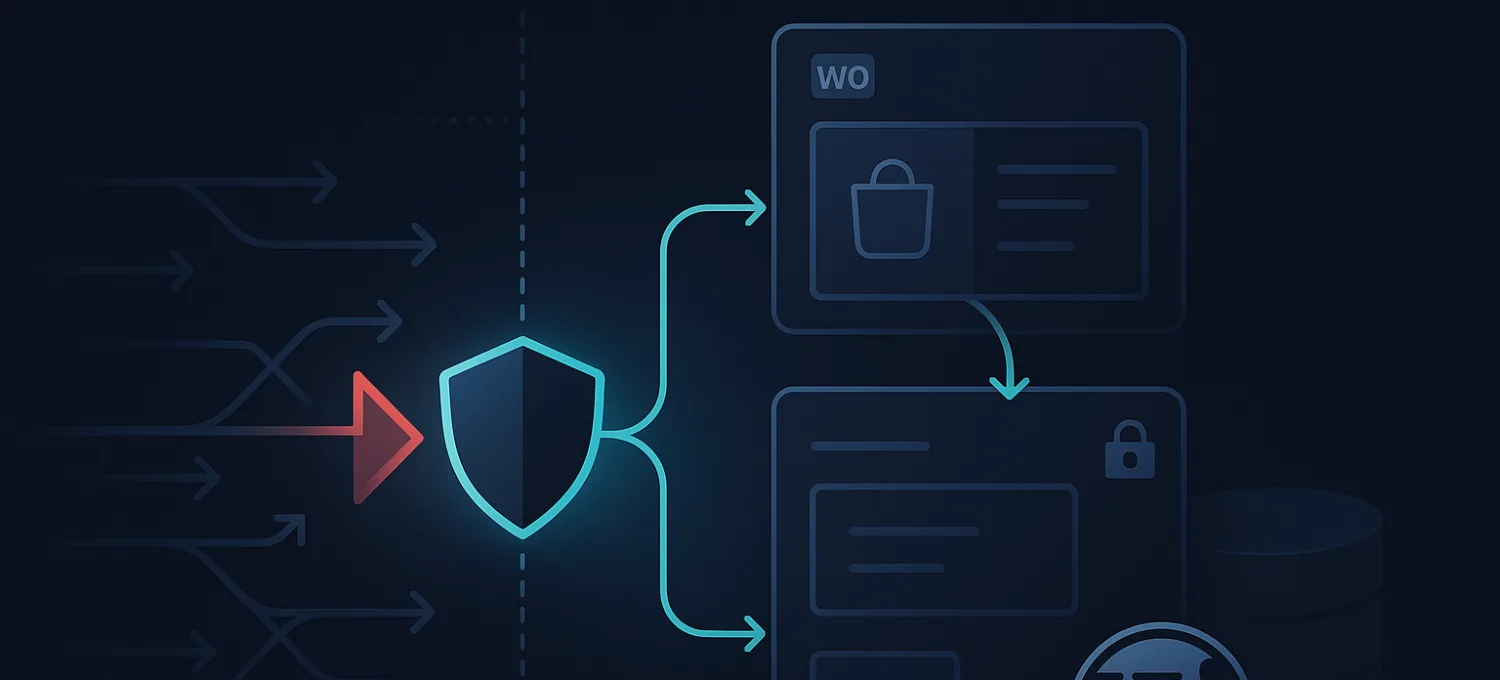
HTTP Error 413 on WordPress: How to Fix Payload Too Large
HTTP Error 413 means the request body is larger than some part of the stack is willing to accept.
On WordPress, you usually meet it while:
- uploading media
- installing a theme or plugin
- importing a large file
- sending a request through a proxy or edge layer with stricter body limits
The key point is that WordPress is often not the layer making the decision. A 413 response usually comes from a server, proxy, CDN, or gateway limit before the application can finish the request.
That is why increasing one setting and trying again often does not solve it.
What 413 Actually Means
The request itself is valid. The payload is just too large for the limit enforced in that path.
That limit might live in:
- nginx
- Apache
- PHP
- a CDN or reverse proxy
- an upstream integration path
So when you see 413, the real job is not just “raise upload size.” The real job is to identify which layer is refusing the request.
The Most Common WordPress Cases
On WordPress and WooCommerce, 413 usually shows up during:
- media uploads
- plugin or theme uploads
- import jobs
- custom forms with large attachments
- API-style requests passing through a proxy with stricter request-body handling
The symptom is similar across cases, but the responsible layer may differ.
Start by Identifying Where the Limit Lives
This is the practical sequence that saves time.
Check the PHP Limits
Look at:
upload_max_filesizepost_max_sizemax_file_uploads- sometimes
memory_limit, depending on the operation
If PHP is set lower than the upload you are trying to send, that is an obvious first fix.
Check the Web Server
If PHP looks generous but the request still fails, inspect the web server layer.
Common examples:
- nginx
client_max_body_size - Apache request size handling
- upstream request-body controls in front of PHP
This is often where site owners get stuck: PHP was increased, but the web server still blocks the request earlier.
Check the Proxy or CDN Layer
If the request passes through a reverse proxy, CDN, or WAF, that layer may enforce its own request-body limits.
That matters especially when:
- direct-origin behavior differs from proxied behavior
- uploads fail only through the edge path
- the application looks healthy otherwise
In that case, WordPress is only the place where you notice the problem, not the place where it starts.
Why “Just Increase the Limit” Can Be the Wrong Answer
Sometimes the request is legitimately too large for the path. Other times the limit exists for a good reason.
Blindly raising every layer can create new problems:
- oversized uploads consuming origin resources
- abuse paths becoming easier to exploit
- integrations sending bodies the origin should not have to process
So the better question is: should this route accept large bodies at all?
For example:
- media upload routes may need a higher limit
- plugin install routes may need a higher limit
- most public anonymous routes do not
That is why route context matters.
When 413 Can Point to a Protection Decision
Not every large-body rejection is a user mistake.
Sometimes a 413-like failure is part of a protection story:
- a body-size limit at the edge
- a proxy rejecting oversized requests before origin
- a deliberate control to reduce abuse against upload-like endpoints
That does not mean the limit is wrong. It means you should understand whether the request is expected and where that expectation should be allowed.
How to Diagnose It Faster
A practical troubleshooting order is:
- confirm what action triggered the 413
- compare the payload size with PHP limits
- compare direct-origin vs proxied behavior if safe
- inspect web server and upstream proxy limits
- decide whether the route should actually allow larger bodies
That sequence is better than editing random config files until the error disappears.
Where FirePhage Fits
FirePhage is not the reason normal WordPress uploads should fail, but edge enforcement can become part of the path if a route is protected or proxied through an upstream layer with its own request controls.
The useful distinction is:
- some large-body requests are expected and should pass
- some large-body requests are exactly the kind of traffic you want to stop before origin
That is why route-aware handling matters more than a blanket “allow big uploads everywhere” policy.
Final Take
HTTP Error 413 is not a WordPress mystery. It means a request body exceeded a limit somewhere between the browser and the application.
The fastest way to fix it is to identify the enforcing layer:
- PHP
- web server
- proxy/CDN/WAF
Then decide whether that route really should allow a larger payload.
That is how you fix the real cause instead of just raising limits blindly.