
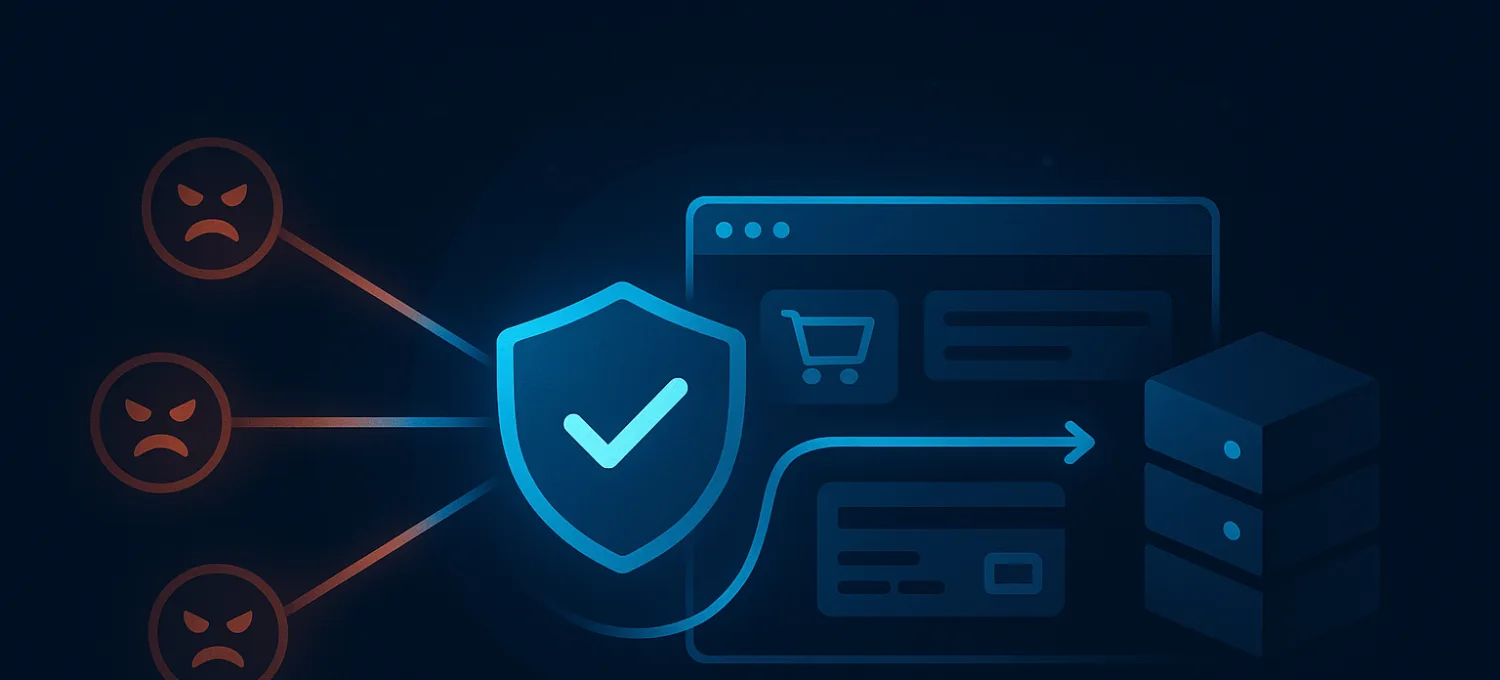
How Slow WooCommerce Checkout Kills Conversion Rates
Conversion rate problems on WooCommerce are often diagnosed as copy, design, or funnel problems first.
Sometimes that is true. But many stores lose conversions because the checkout itself becomes slow, fragile, or inconsistent under real traffic.
That kind of loss is harder to spot because the site still works in the shallow sense. Product pages load. Categories render. The store looks alive. But checkout is where the expensive application work happens, and that is where slowness starts costing money fastest.
Why Checkout Speed Matters More Than General Site Speed
A slow homepage is annoying. A slow checkout is expensive.
At checkout, buyers are already committed enough to act. If the page stalls, payment retries hang, or cart state behaves unpredictably, the sale can collapse even when the rest of the store looks normal.
That is why checkout performance deserves its own diagnosis instead of being buried inside generic CRO advice.
What Slow Checkout Usually Looks Like
On WooCommerce, checkout problems often show up as:
- long waits after clicking place order
- inconsistent cart or shipping updates
- checkout steps that feel sticky on mobile
- timeouts or retries around payment handoff
- periods where conversion dips without a full outage
The site is not always “down.” It is just unstable in the route that matters most.
What Usually Causes It
Checkout slowness is rarely one simple issue.
Common causes include:
- too much plugin logic on checkout
- slow origin response under dynamic load
- third-party scripts or payment integrations adding latency
- bad traffic competing for the same origin capacity
- AJAX-heavy cart and checkout behavior under pressure
That last part gets missed often. Bad traffic does not need to hit checkout directly to hurt conversions. It only needs to consume enough application resources that checkout becomes slower for real customers.
Why Generic Conversion Advice Misses the Problem
Broad CRO guides usually focus on:
- button copy
- form length
- trust signals
- page layout
Those things matter, but they do not fix a checkout route that is slow because the application is doing too much work or the origin is under pressure.
If the store gets worse during traffic spikes, campaign bursts, or bot activity, the bottleneck is probably operational, not just presentational.
How to Diagnose the Real Bottleneck
Start with the actual checkout path.
Check:
- time to first response on checkout-related routes
- AJAX activity tied to cart and shipping updates
- whether mobile users feel the slowdown more sharply
- whether conversion dips line up with traffic anomalies
- whether admin, search, or login slowdowns appear at the same time
If several dynamic routes degrade together, the problem is usually bigger than one checkout template.
Why Bot Traffic Hurts Conversions Indirectly
WooCommerce does not need a visible outage to lose money.
If the origin is busy processing:
- scraping
- login abuse
- search and filter floods
- repeated junk requests against dynamic routes
then checkout can become just slow enough to push real buyers out of the funnel.
That is why “conversion optimization” and “traffic protection” are not separate topics on a production WooCommerce site. They affect the same revenue path.
Where FirePhage Fits
For WooCommerce, protecting conversion rate often means protecting the expensive application routes that support the sale.
That includes:
- checkout
- cart
- login
- search and filter behavior
The more bad traffic and unnecessary origin work you remove before checkout competes for resources, the more stable the buying path becomes for real users.
Final Take
If WooCommerce conversion rate is slipping while traffic looks normal, do not assume it is only a design or messaging problem.
Slow checkout can kill conversions long before the store looks down.
The practical fix is to treat checkout like the revenue-critical dynamic route it is:
- diagnose the actual bottleneck
- reduce unnecessary application work
- protect origin capacity from junk traffic
That is how you improve conversions by fixing the part of the stack buyers actually feel.