
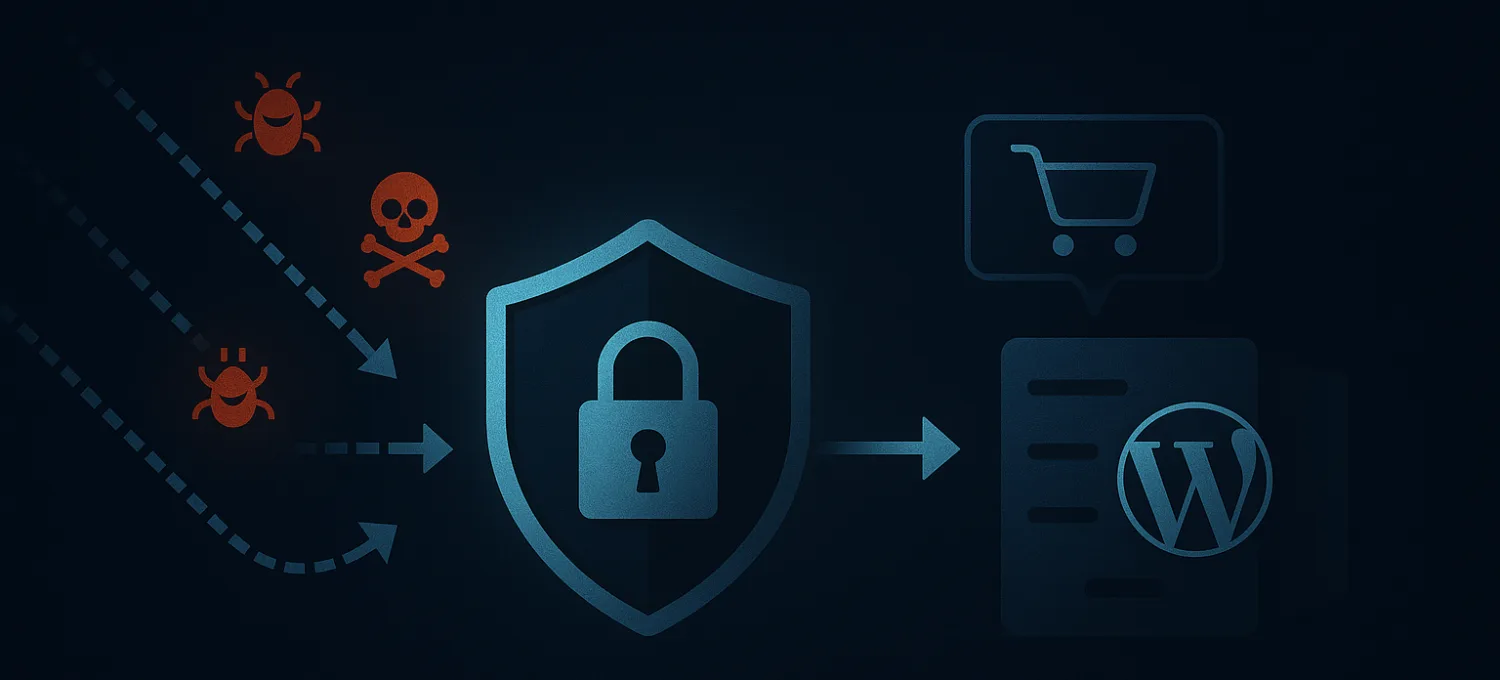
WordPress hardening is not about piling on random security plugins.
It is about reducing unnecessary exposure, tightening the controls that matter most, and making the site harder to abuse before you need a full incident response.
That matters because many WordPress problems do not begin with a dramatic hack. They begin with a loose admin surface, plugin sprawl, weak operational discipline, or public routes that stay too easy to abuse for too long.
This checklist is built for production sites and WooCommerce stores that want a practical hardening baseline rather than generic security advice.
What Hardening Actually Means
Hardening is the work of shrinking risk before something breaks.
For WordPress, that usually means:
- fewer unnecessary public entry points
- better account hygiene
- tighter plugin and update discipline
- clearer protection around expensive dynamic routes
- faster recovery when something still goes wrong
A hardened site is not invulnerable. It is just harder to abuse, easier to operate, and less likely to turn a small mistake into a large incident.
1. Reduce the Number of Powerful Accounts
Start with the simplest question: who can actually change the site?
Every extra administrator account increases risk. Shared logins make it worse because they erase accountability and tend to survive long after people stop needing access.
Use this baseline:
- one account per person
- no shared admin users
- the minimum role required for each person
- immediate removal of unused accounts
If a site has more privileged users than the team can explain in thirty seconds, the access model is already too loose.
2. Enforce Strong Authentication
Passwords alone are not a production strategy.
At minimum, hardening should include:
- strong unique passwords for all privileged accounts
- two-factor authentication for administrators and operational staff
- password manager usage across the team
- review of recovery email addresses and backup codes
A lot of WordPress compromise still starts with predictable credential problems. This is still one of the cheapest controls you can add.
3. Tighten Update Discipline
Outdated plugins and themes remain one of the most common WordPress risks.
Hardening does not mean blindly auto-updating everything in production. It means having a deliberate update process:
- remove software you do not need
- keep core current
- keep plugins and themes current
- review changelogs when a plugin is business-critical
- test higher-risk updates before wide rollout when possible
The goal is to avoid two bad states at once:
- running known-vulnerable code for too long
- pushing unreviewed changes directly into a revenue path
4. Treat Plugin Inventory as an Attack Surface Review
Every plugin is not only a feature. It is also:
- additional code
- additional routes
- additional update risk
- additional operational complexity
Hardening means being strict about what earns its place.
Ask of every plugin:
- is it still needed
- is it well maintained
- does it expose public forms, APIs, uploads, or AJAX routes
- would the team even notice if it failed open or failed closed
If a plugin would be hard to justify during a post-incident review, it probably should not be installed.
5. Lock Down the Easy Abuse Targets
Some WordPress paths attract abuse continuously because attackers know they exist on almost every install.
That usually includes:
/wp-login.php/wp-admin/- XML-RPC when it is not needed
- exposed admin-ajax actions
- password reset and registration flows
Hardening here is less about secrecy and more about controlled friction.
You want rate limits, challenges, and route-specific protection around the endpoints that repeatedly attract credential stuffing, probing, and low-value automation.
6. Protect Expensive Routes Before They Reach Origin
This is the part many older hardening guides miss.
Modern WordPress security is not only about what happens after PHP receives the request. It is also about deciding which traffic deserves to touch the origin at all.
The highest-value routes to protect are often the least cache-friendly:
- login
- admin
- search and filters
- account pages
- cart and checkout
- webhook handlers
- plugin-specific public endpoints
If abuse reaches these routes freely, the site can stay "online" while still feeling unstable, slow, or inconsistent for real visitors.
7. Review Integrations, Webhooks, and API Paths
A hardened site is not only about blocking traffic. It is about allowing the right automation safely.
Review:
- payment callbacks
- CRM or form integrations
- inventory syncs
- marketing platform webhooks
- plugin APIs and exposed endpoints
The operational question is simple: which requests must always work, and which ones deserve tighter validation or edge controls?
This is where teams sometimes create outages by applying generic WAF rules without understanding legitimate machine-to-machine traffic.
8. Remove What Does Not Need to Be Public
Hardening benefits from deletion as much as configuration.
Remove:
- unused plugins
- unused themes
- old staging tools left on production
- forgotten admin users
- demo content and test forms
Disable or restrict anything public that no longer has an operational reason to exist.
A surprising amount of WordPress risk comes from abandoned leftovers rather than active features.
9. Check Backups and Recovery, Not Just Prevention
Hardening is incomplete if recovery is weak.
Make sure you have:
- recent backups
- a restoration process that has actually been tested
- clarity on where DNS, hosting, CDN, and domain controls live
- a rollback plan for bad updates
A site is only partially hardened if the team still needs to improvise during a bad plugin release, failed deployment, or compromise.
10. Watch for Degradation, Not Just Downtime
Many WordPress security problems do not produce an immediate outage.
They show up as:
- slow login
- unstable checkout
- admin lag
- fake orders or fake accounts
- noisy search and filter abuse
- sudden origin load without a real traffic-quality improvement
That is why hardening should include visibility into the routes and actions that consume the most origin work.
If your monitoring only asks whether the homepage returns 200, you are missing the early stages of many real problems.
11. Document a Small Incident Playbook
When something feels wrong on a live site, the team should already know:
- who has access
- how to review recent changes
- where logs and firewall controls live
- how to narrow risky routes quickly
- how to communicate during customer-facing incidents
This does not need to be a giant security manual. A short, usable runbook is enough.
Hardening is partly about making the next bad day less chaotic.
12. Revisit the Checklist Regularly
WordPress hardening is not a one-time setup task.
New plugins get installed. Marketing adds forms. Agencies leave accounts behind. Store features change the sensitivity of public routes. Good security posture drifts unless someone reviews it.
A practical cadence is:
- quick monthly review of accounts, updates, and plugin inventory
- route review after major feature changes
- broader quarterly review of exposure, abuse patterns, and recovery readiness
Hardening Works Best When It Is Operationally Real
The best hardening checklist is not the one with the most items. It is the one the team can actually maintain.
For WordPress and WooCommerce, that means combining the basics that still matter with modern controls around route exposure, plugin risk, and edge-side traffic filtering.
That combination reduces both the chance of compromise and the amount of wasted origin work that turns ordinary traffic pressure into an incident.
If your site is still relying on updates and admin passwords alone, it is not really hardened. It is just hoping the wrong requests stay manageable.