
Vulnerability scanners are useful, but they are easy to misunderstand.
Run one against a WordPress site and you might get a long list of findings: outdated plugins, exposed version information, weak configuration hints, suspicious files, backup artifacts, or known CVE references. It feels like clarity, but what you really have is a to-do list with uneven urgency.
That distinction matters.
A scanner can help you find risk. It does not automatically reduce risk. For production WordPress and WooCommerce sites, the gap between detection and remediation is often where real operational pain begins.
What Vulnerability Scanners Actually Do
Most scanners work by collecting evidence and comparing it against known patterns.
Depending on the tool, that can include:
- plugin and theme version detection
- core version checks
- known vulnerability databases
- exposed file and directory discovery
- weak configuration signals
- user enumeration or surface-area checks
- malware-style file inspection on the server side
Some scanners are remote and only see what an outsider can probe. Others run inside the site or on the server and can inspect more context.
Neither approach is complete by itself.
Why Scanner Results Need Triage
A scanner report is not the same thing as an incident.
Some findings are high urgency:
- a known vulnerable plugin version on a live store
- exposed backup files
- admin interfaces reachable more broadly than expected
- malware indicators on disk
Other findings are weaker:
- version disclosure
- information leakage with limited exploit value
- low-confidence configuration warnings
If you treat every finding as equally severe, the report becomes noise. If you ignore low-severity patterns entirely, the site can drift into a risky posture that nobody revisits.
The job is not only to scan. It is to separate:
- what is real
- what is urgent
- what is noise
- what is compensable in the short term
The Biggest Limitation: Scanners Do Not Prevent Exploitation
This is the most important thing site owners miss.
A scanner can tell you a plugin is outdated. It does not stop that plugin from being probed tonight. It can warn you that login abuse is possible. It does not keep abusive traffic from consuming origin resources while you plan the fix.
That gap matters more on WooCommerce and other dynamic sites because the operational damage often begins before a full compromise:
- login abuse
- fake accounts
- scraping
- cart or checkout pressure
- repeated probing against public plugin routes
The site does not need to be "hacked" in the dramatic sense to start losing stability and money.
Remote vs Server-Side Scanners
Remote scanners are useful because they show what an external actor can discover.
They are good at identifying:
- exposed versions
- public files
- reachable routes
- known signatures tied to visible software
Server-side scanners help with a different class of problems:
- file integrity
- malware traces
- local misconfigurations
- package drift
The right choice depends on what you need to answer.
If your question is "what can an outsider see and probe?", remote scanning matters. If your question is "what is already wrong inside the environment?", server-side visibility matters more.
For serious production use, they complement each other.
How to Use Scanner Output Practically
A professional workflow usually looks like this:
- validate the finding
- check whether the software is actually active and exposed
- assess business impact if exploited
- remediate or isolate
- document compensating controls if the fix cannot happen immediately
That last point is important because real teams often cannot patch everything instantly. Compatibility constraints, release timing, and store operations all get in the way.
So the practical question becomes:
What protects the site while the fix is pending?
Compensating Controls Matter
When a vulnerable or risky component cannot be removed immediately, you still want to reduce exposure.
That can include:
- restricting sensitive routes
- limiting abusive request patterns
- reducing public access to admin-like endpoints
- filtering suspicious traffic before it reaches origin
- watching the affected paths more closely until remediation is complete
This is where scanners and edge protection intersect.
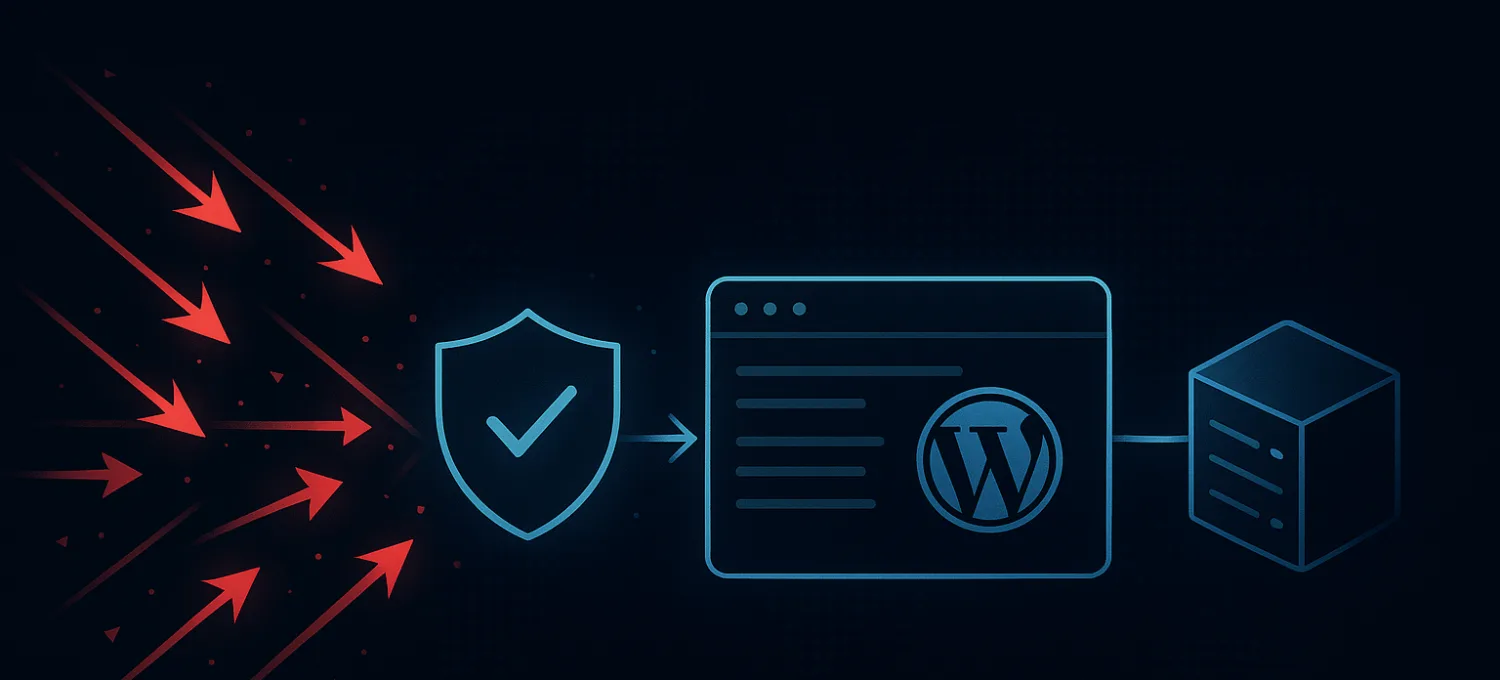
The scanner gives you visibility into known weaknesses. Protection at the edge helps reduce the amount of unhelpful traffic that can exploit or stress those weaknesses while remediation is still in progress.
How to Choose a Scanner
A useful WordPress vulnerability scanner should be judged on:
- quality and freshness of vulnerability data
- clarity of findings
- false-positive rate
- whether it supports WordPress-specific components well
- whether it helps with prioritization, not just detection volume
The best scanner is not the one with the scariest output. It is the one that helps you make better remediation decisions faster.
Scanning Is a Security Input, Not the Whole Strategy
Vulnerability scanners belong in a mature WordPress workflow. They help reveal weaknesses that deserve attention.
But they are only one input.
If a site relies on scanning alone, it still has a blind spot between "we found a problem" and "the problem is fixed." On busy WordPress and WooCommerce sites, that window is where abuse, probing, and resource drain often become visible first.
Use scanners to improve visibility. Then pair that visibility with real prioritization, disciplined updates, plugin review, and route protection that reduces exposure while the work gets done.